Works with a weak signal
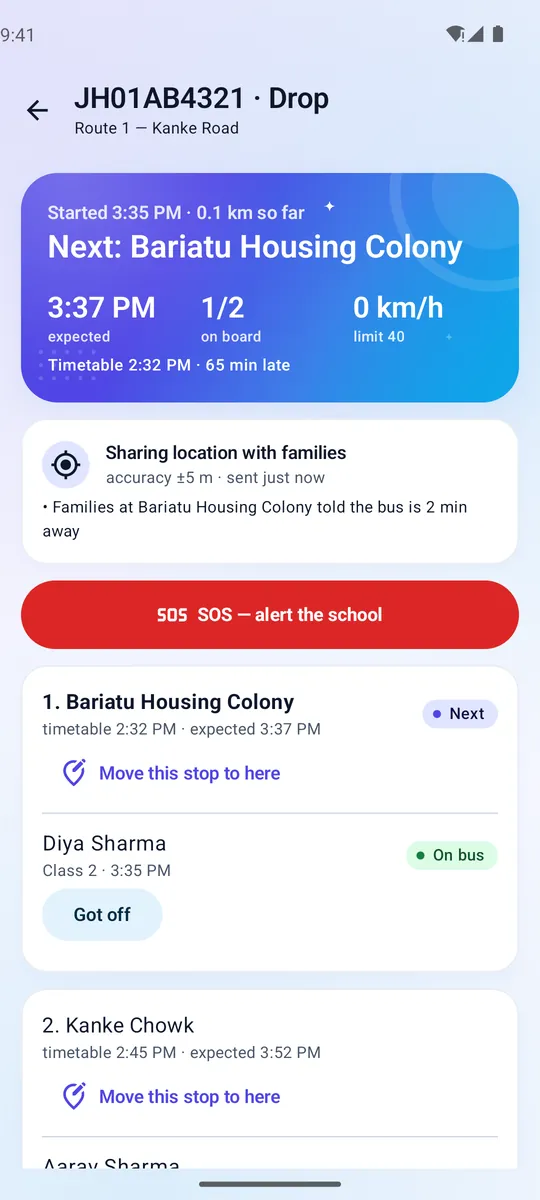
Each screen keeps its last copy on the phone and opens offline; gate scans and bus positions queue up and send later. Everything is wiped from the phone at sign-out.
Notifications that matter
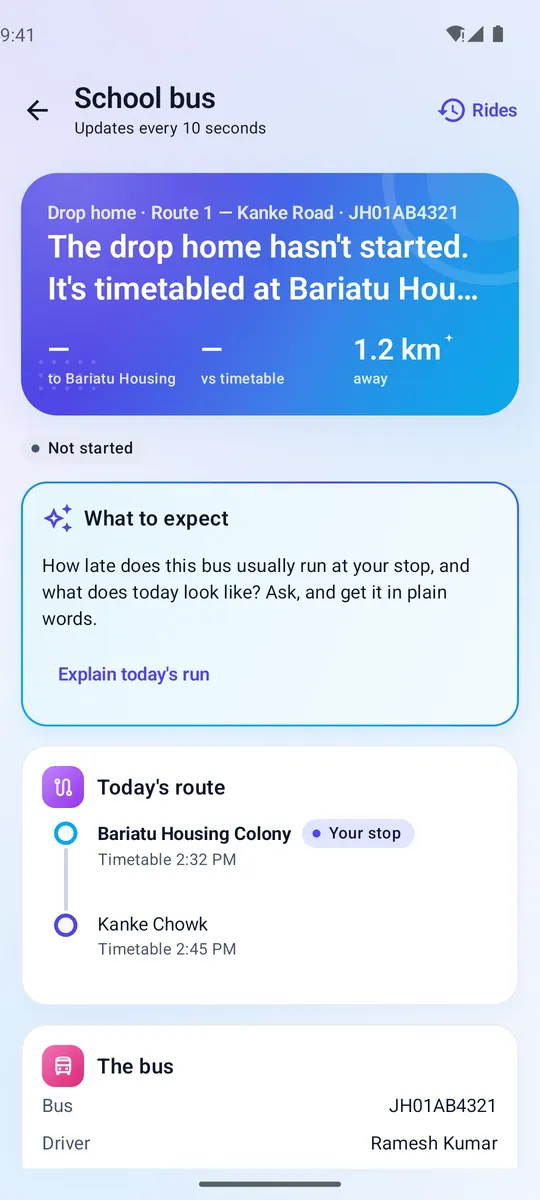
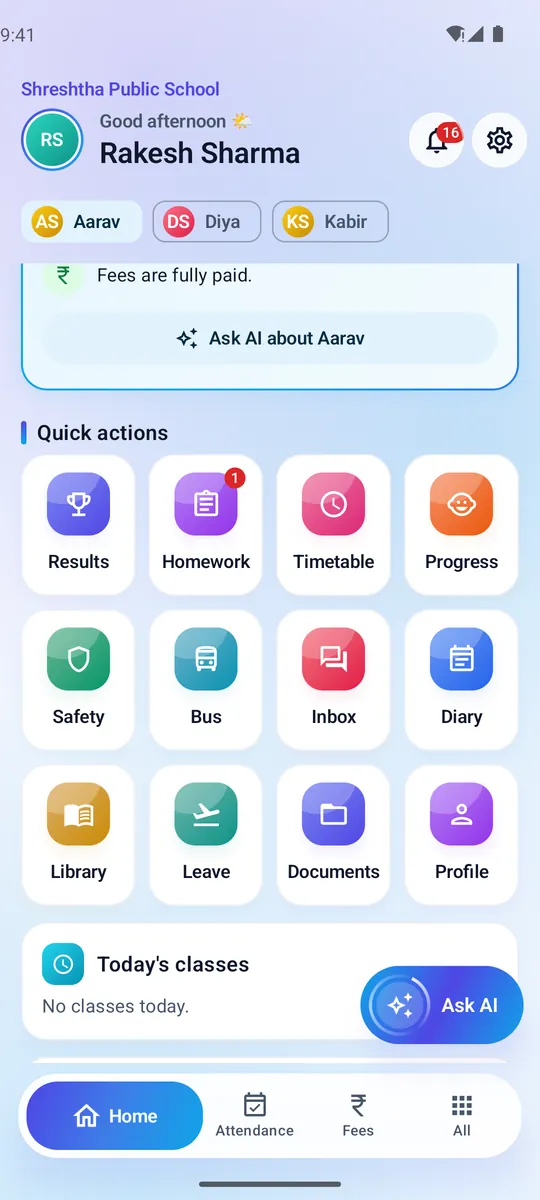
Push notifications for notices, fees, homework, check-ins and the bus — and an in-app list with an unread count.
Online fee payment
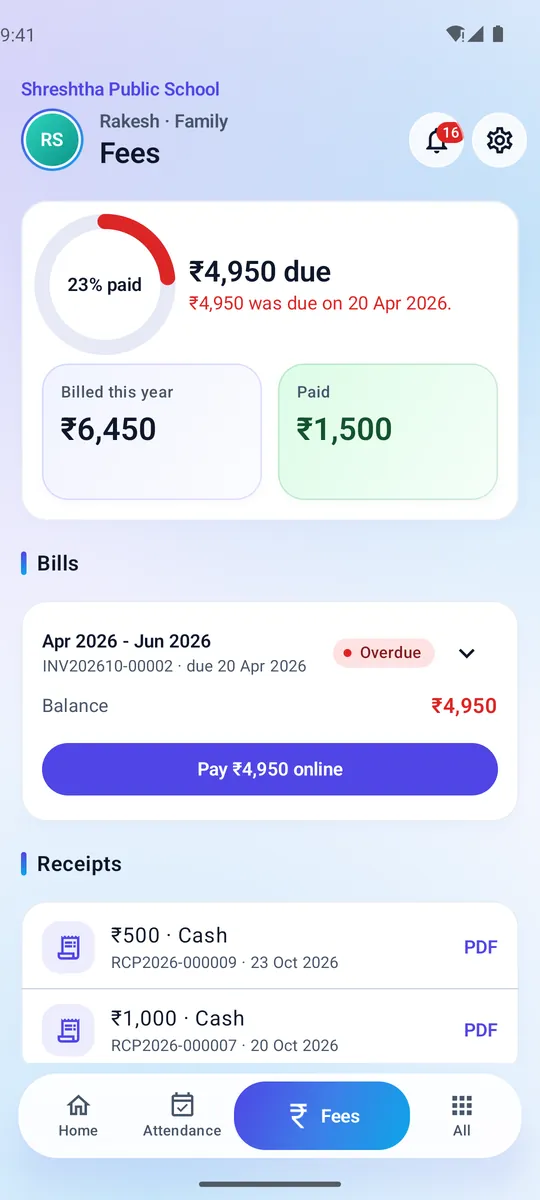
Razorpay, PhonePe, PayU, Paytm or Cashfree — whichever the school uses. UPI apps open directly, and the payment is confirmed with the school before the receipt appears.
Documents as PDF
Fee receipts and invoices, report cards and progress cards, admit cards and date sheets, payslips and certificates — open, save or share from the phone.
AI where it helps
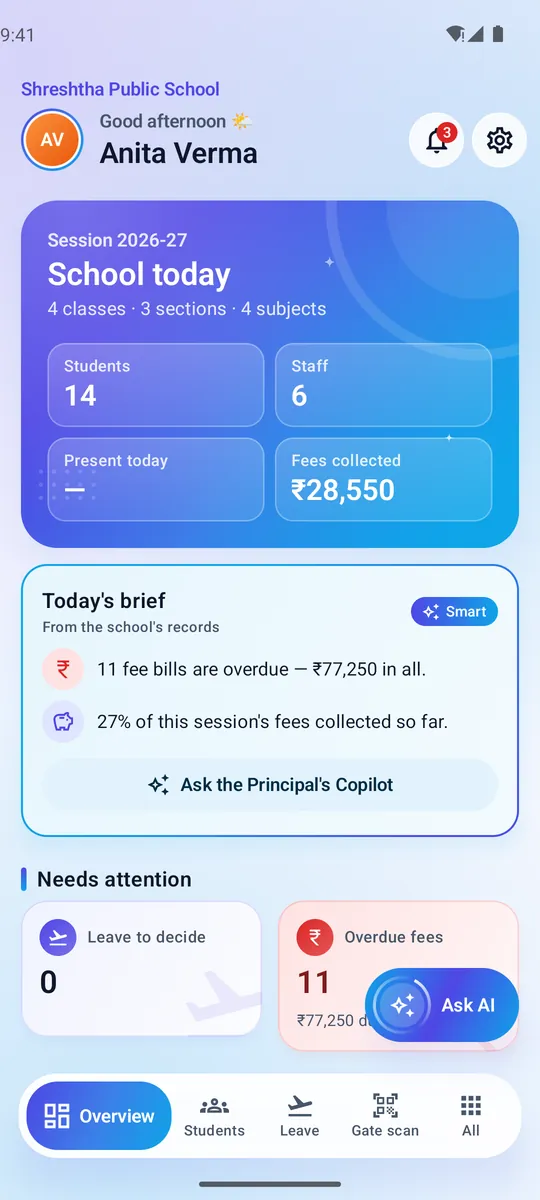
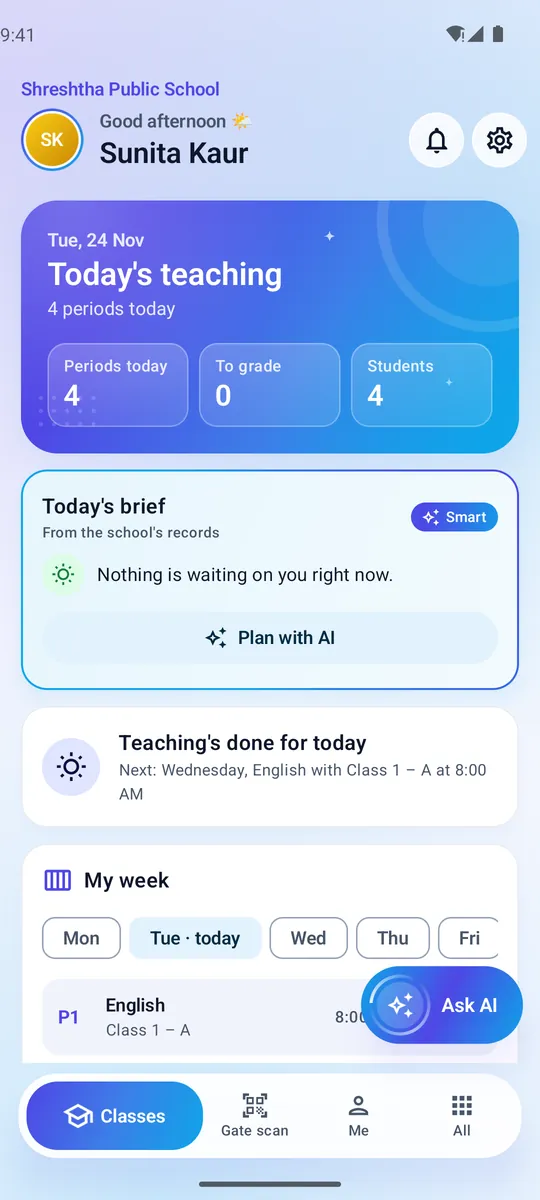
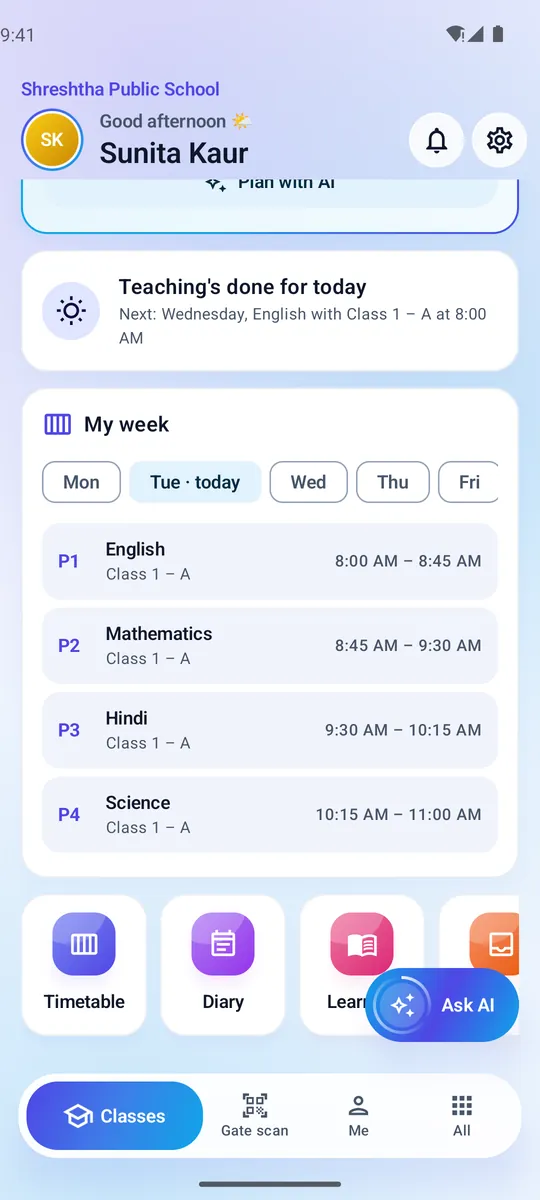
Ask AI for families, AI tools for teachers, the Principal's Copilot and insights on dropout risk and fee collection for the office.
Your school's own app
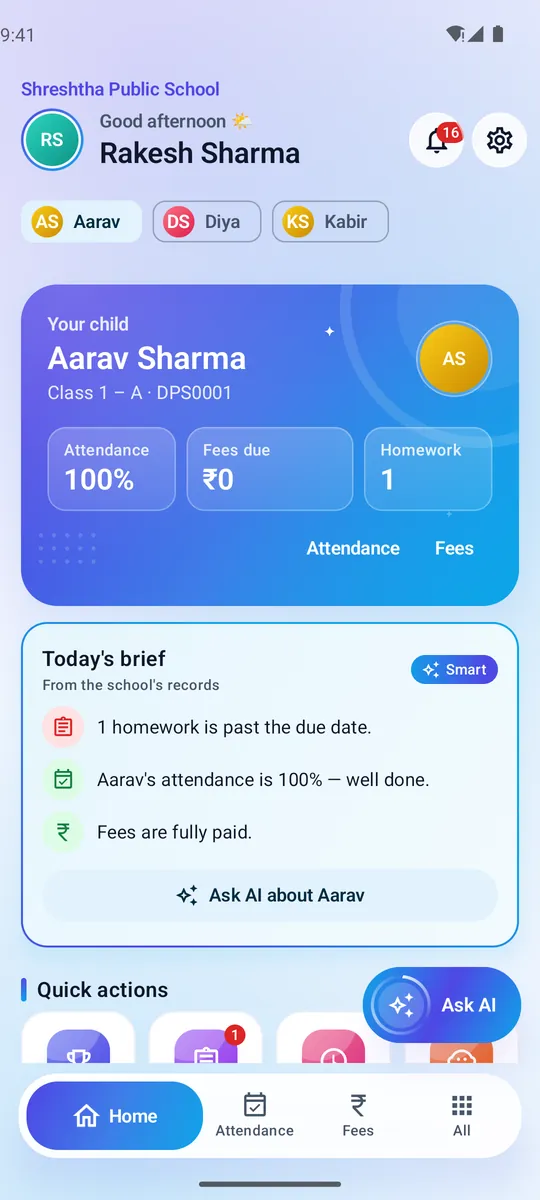
Use our multi-school app, which takes on your school's name, crest and colours once you sign in — or have your own app with your name and icon, for your school alone.
Light, dark and your colours
Follows the phone's theme, or pick light or dark; on Android 12 and newer it can take its colours from your wallpaper.
Phones and tablets
On a tablet or an unfolded phone the bottom bar becomes a side rail and screens use the extra room.
Secure by design
Each person sees only what their role allows, all traffic is encrypted, and the school's server can check the app is genuine before it answers.